




Introduction
Summer has arrived. Colleagues head off on holiday, meetings get cancelled and offices grow quieter. And intranets? They get sent on vacation just as often.
Understandable. But it is exactly the wrong instinct.
Because things are quieter now, you have room to strengthen your intranet and make sure it stays active for the people who are still around. With the right approach, you keep the platform alive and set yourself up for a strong September.
These 7 tips will help you do just that.
Plan your content in advance
Picture this: you are on a two-week holiday. Meanwhile, nothing new has been posted on the intranet for three weeks. The colleagues who are in the office log on, see the same outdated content from before the break and stop bothering. By the time you are back, usage has dropped and that is not easy to turn around.
The solution is simple: write a handful of short posts before you leave and schedule them to go out over the coming weeks. A cheerful summer welcome message for the first holiday week, a mid-August update on what is in the pipeline, and a back-to-work post for the first week of September. Three posts, one hour of work and your intranet stays active all summer long.
Turn employees into content creators
You do not have to write everything yourself. That might be the most important lesson for the summer.
Your colleagues are the best content source you have – and in summer they are motivated to share. Holiday photos, travel tips, team outings: it is low-barrier content that creates genuine engagement. Far more than any formal news post ever will.
Make it concrete: create a “Summer Stories” news category and invite colleagues to share their favourite holiday destination or travel tip. Run a photo contest. Launch a lighthearted poll: “Where are you headed this year? Beach, mountains or staycation?” It brings people to the intranet at a moment when they would otherwise not log in.
Do a digital summer cleanup
An intranet with expired events, outdated documents and broken links sends one message: neglect. That undermines employees’ trust in the platform, and trust is hard to win back.
Use the quieter summer weeks to tidy up. Not as a big project, but as an hour a week:
- Archive news posts that are no longer relevant
- Check whether the documents in your libraries are still up to date
- Remove expired events and polls
- Go through your navigation and quick links to find any broken links
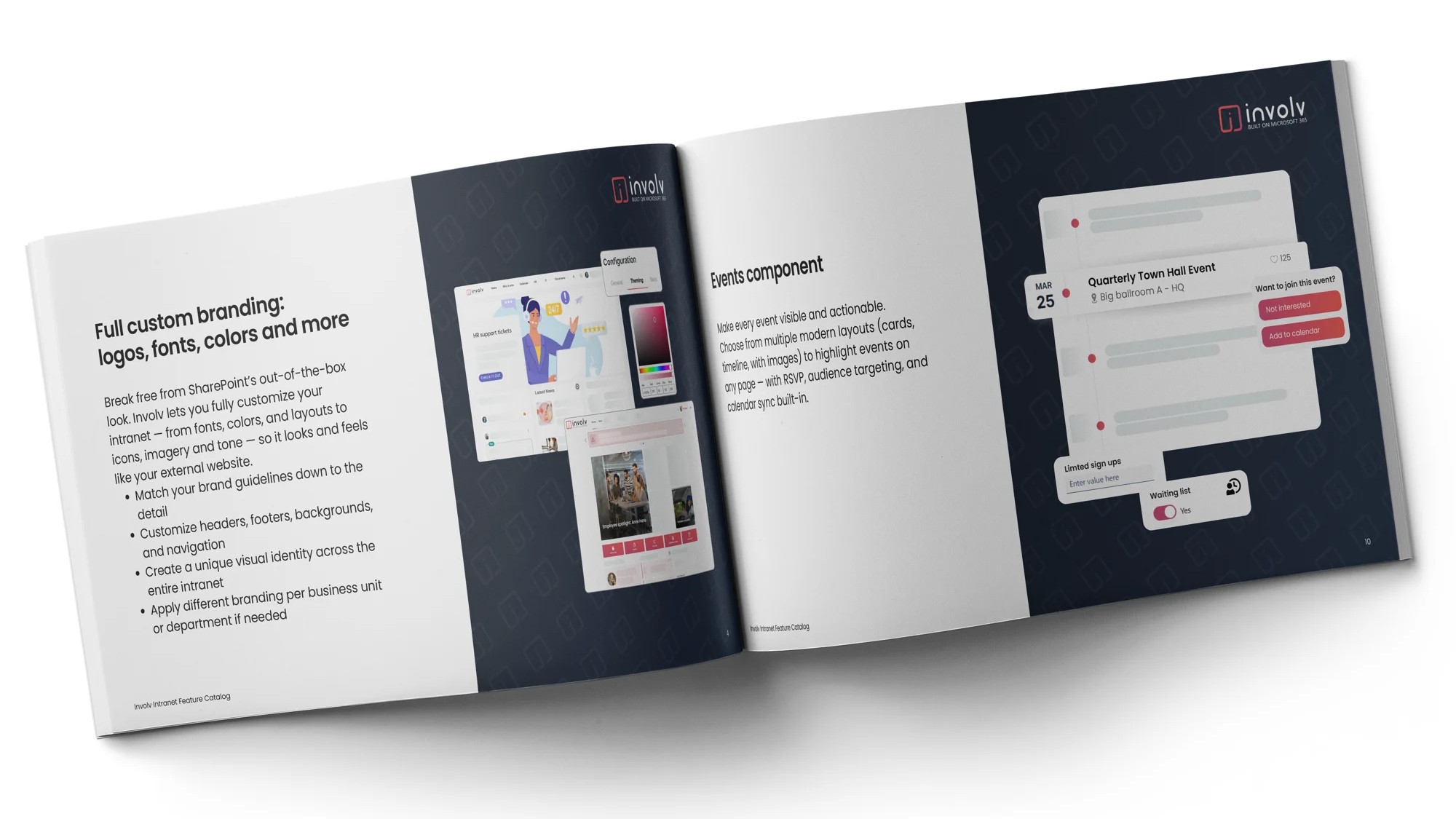
Take some time to explore what is new in the platform. Involv Intranet releases updates regularly – the Feature Catalog gives a good overview. Summer is the perfect moment to get up to speed with what is possible, so you can hit the ground running in September.
Analyze what works and what you can cut
Three questions most intranet managers cannot answer: Which pages are visited most often? What do employees search for most, and do they actually find it? Which content has no one read in the last three months?
If you do not know the answers, you do not know where to focus your energy. Summer is the ideal time to find out – you have the time, and the insights will shape how you work for the rest of the year.
Ask yourself three concrete questions based on your analytics:
- Which posts scored above average for views, and why exactly?
- Which sections are rarely visited? Should they go, or just be promoted better?
- What do employees search for without finding results? That is content you still need to create.
Read also: How to evaluate your intranet’s success
Keep engagement high with interactive content
Not everyone is on holiday. And for the colleagues who are still around – often in a quieter, half-empty office – the intranet is extra valuable. But only if there is something worth seeing.
A poll or a lighthearted summer quiz works better than ten formal news posts. It asks little of the reader but gives a lot back: a sense of connection, a reason to log in, a smile.
Concrete ideas that work:
- “What is your favourite summer team activity?” (barbecue, day trip, sports event, none for me)
- A summer quiz with fun facts about the organisation or your colleagues
- “What kind of employee are you in summer?” (early bird, work from holiday, mentally already on the beach…)
Be clear about who is available and when
Does this sound familiar? You have an urgent question but your usual contact is on holiday. You have no idea who to turn to instead and start guessing. You send someone a Teams message, hear nothing for two days. Are they on holiday too? Just busy? The question hangs in the air while time ticks on.
This is avoidable. Make sure availability is clearly visible on the intranet before the holiday period begins. Publish an availability overview per team: who is in and when, who covers for urgent questions, who is the contact for which topic.
Make it specific and per team – a generic “some colleagues are away” helps no one. Think of a simple overview per department.
Use the summer to set yourself up for a strong September
Summer is quiet. September is not.
After the holiday period, teams kick off with fresh energy, projects get started and new colleagues join. If your intranet is not ready by then, you miss the perfect moment to make an impact.
Use the quiet weeks now to prepare for it:
Write content for the return now. A welcome-back message, an update on ongoing projects, a “while you were away” overview. Schedule them now with a publication date in September – your intranet will be ready before you even think about it.
Review your homepage and navigation. Does everything flow well? Is the right content front and centre? Summer is the ideal moment to test changes without everyone noticing straight away.
Conclusion
Putting your intranet on pause over summer is understandable, but it costs you more than it saves. A few hours of solid preparation keeps the platform alive, even when the office is quiet.
Plan content in advance, involve your colleagues, tidy up and analyse what works. When September comes around, you will not be recovering from a summer slump – you will be ready to go full speed.
Want to discover how Involv Intranet can make your intranet even more effective and engaging?