

An intranet for utilities, right out to the field.
Involv is the intranet for grid operators, energy suppliers and utilities for power, gas and water. From storm warning to burst water main: everything your crews need, on their smartphone, in the control room and in the depot. Built on your own Microsoft 365.

Trusted by 300+ organisations, from grid operators to hospitals and banks








Why do utilities need their own intranet?
Utilities keep power, gas and water flowing around the clock, with teams spread across control rooms, depots and the road. An intranet gives all of them one official source for alerts, procedures and news, on the smartphone as well as on the desktop.
When the network goes down, every minute counts
During a power cut, a gas leak or a burst water main, the control room, the field crews and customer service need the same information at the same moment. Long email chains and phone trees are too slow, and nobody knows which version is the latest.
Technicians at the door don't have the answers
Customers ask the technician on their doorstep about outages, planned works, water quality or their new meter. Without the latest information on their phone, your crews improvise, and every answer is a little different.
Experience walks out of the door
Many experienced technicians will retire in the coming years, and much of what they know is not written down anywhere. New colleagues and contractors have to get up to speed fast, safely and in the right way.
The energy transition means constant change
Network investments, new technology and reorganisations follow one another quickly. When employees hear about it in the press before they hear it from you, support for the change melts away.
When something goes wrong, every crew knows what to do
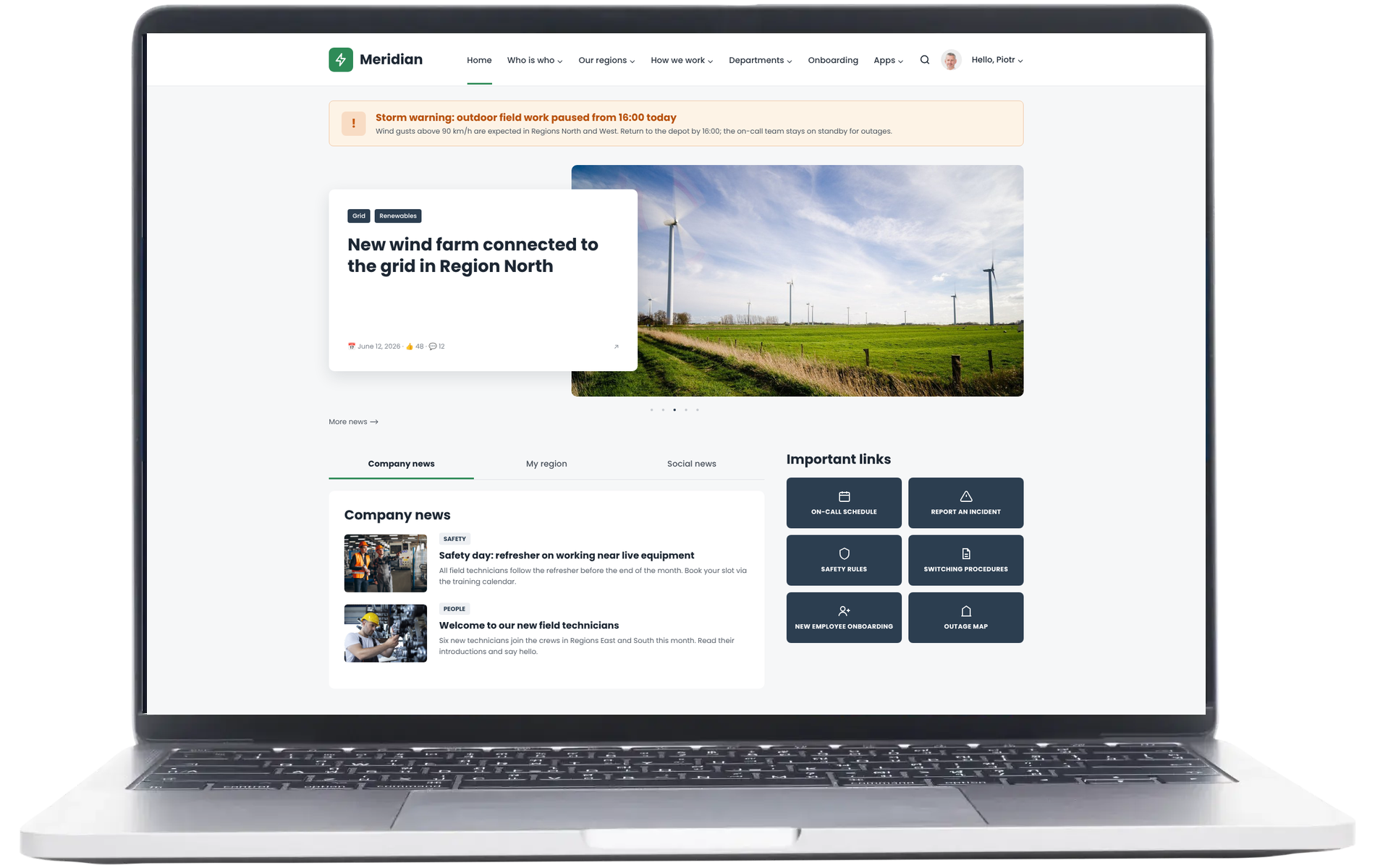
Send a storm warning, a leak alert or an incident update to exactly the regions, teams and on-call crews involved, as a push notification on their smartphone. Must-read messages with read receipts show who has confirmed they read it, so the control room knows which crews are informed, day and night.
- Push alerts per region, team, shift or role
- Must-read messages with read confirmation
- On-call crews informed outside office hours, via the app
- Automatic translation for crews who speak other languages
- One official channel instead of separate WhatsApp groups

The right procedure and the right answer, wherever the job is
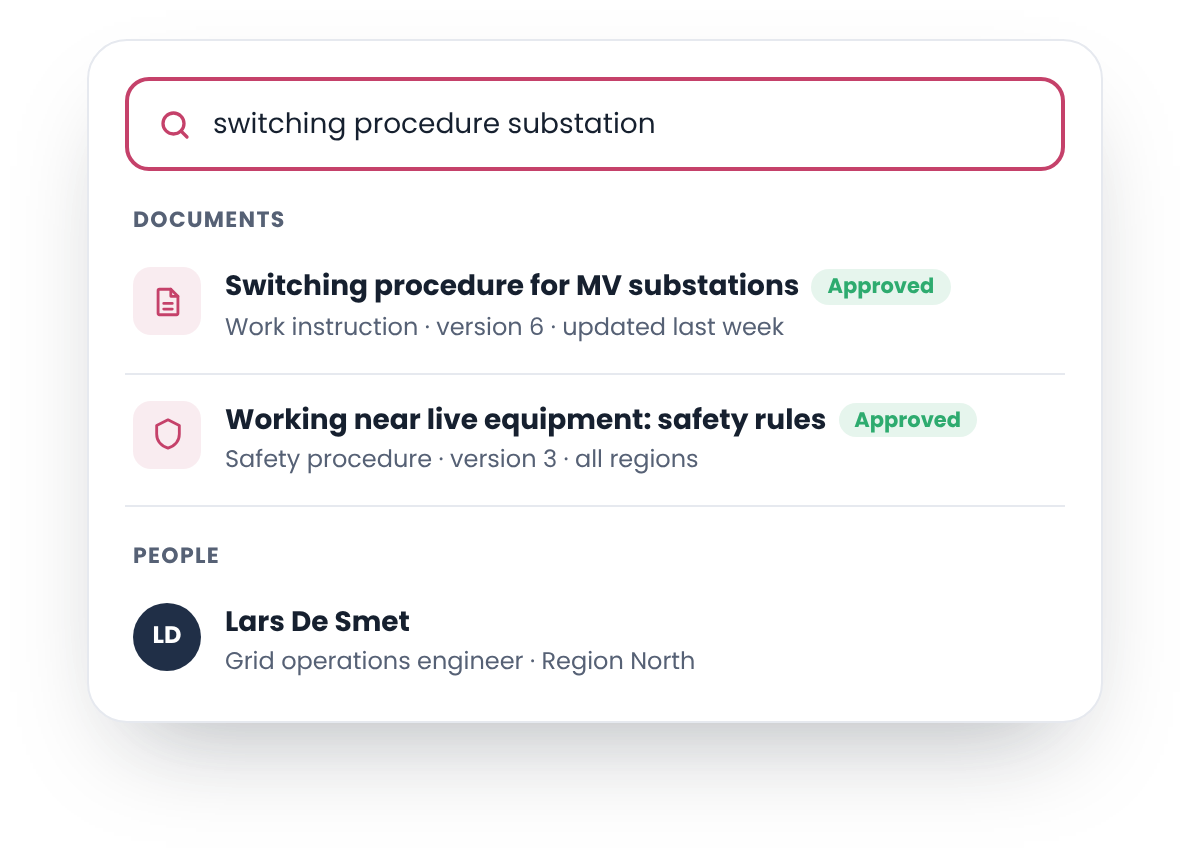
Switching procedures, gas and water safety rules and the answers to the questions customers ask: technicians find the approved, latest version on their smartphone in seconds. And when they need help, the who-is-who shows them the right expert straight away.
- Search across Involv, SharePoint and OneDrive from the app
- Version control: only the latest, approved procedure
- Who-is-who: find the expert for a substation, pumping station or region
- Guided onboarding tours for new technicians and contractors
- Role-based access to sensitive documents
Take every team along in the energy transition
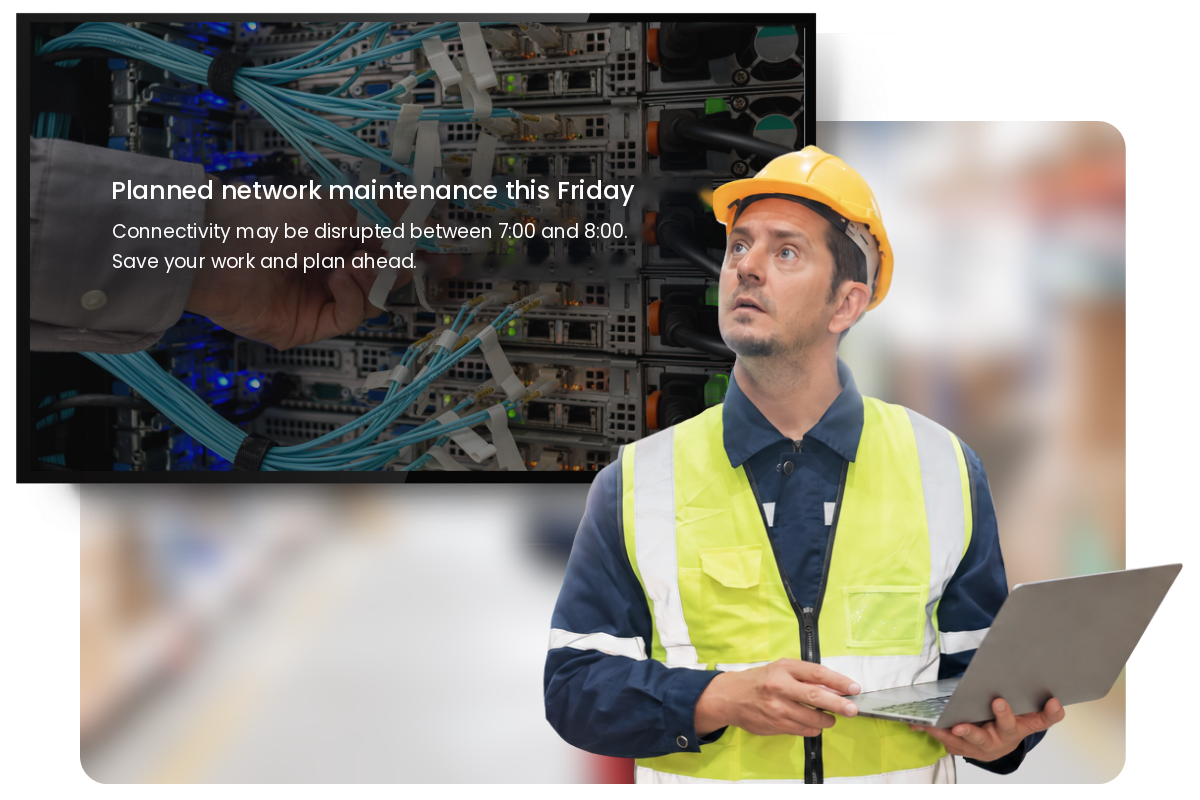
Explain new network projects, technology and organisational changes in your own words, before your people read about it elsewhere. Target the news to the regions and teams it affects, and show it on screens in depots and canteens with Involv Cast.
- News and updates targeted per region, team or role
- Involv Cast: news on screens in depots, control rooms and canteens
- Must-read for important changes, with read receipts
- Automatic translation, so every employee reads it in their own language
One digital workplace for head office and field crews
Getting the message out is only half of it. Involv gives your communication team one place to manage everything, and every colleague a start page that fits their work.
One control centre for every message
Plan, publish and target storm alerts, project news and HR updates in Involv Manager. Publish once and it appears on the intranet, in the app and on depot screens, in your own branding.
A start page that fits the job
Control-room staff, field technicians and office colleagues each open a start page with the news, links and apps that matter to their role and region.
Conversation across regions
Colleagues like and comment on news and find each other in the who-is-who, so experience is shared between regions instead of staying in one team.
Secure by design
Built on your own Microsoft 365 and Entra ID users: no extra accounts or passwords, and no data ever leaves your tenant.
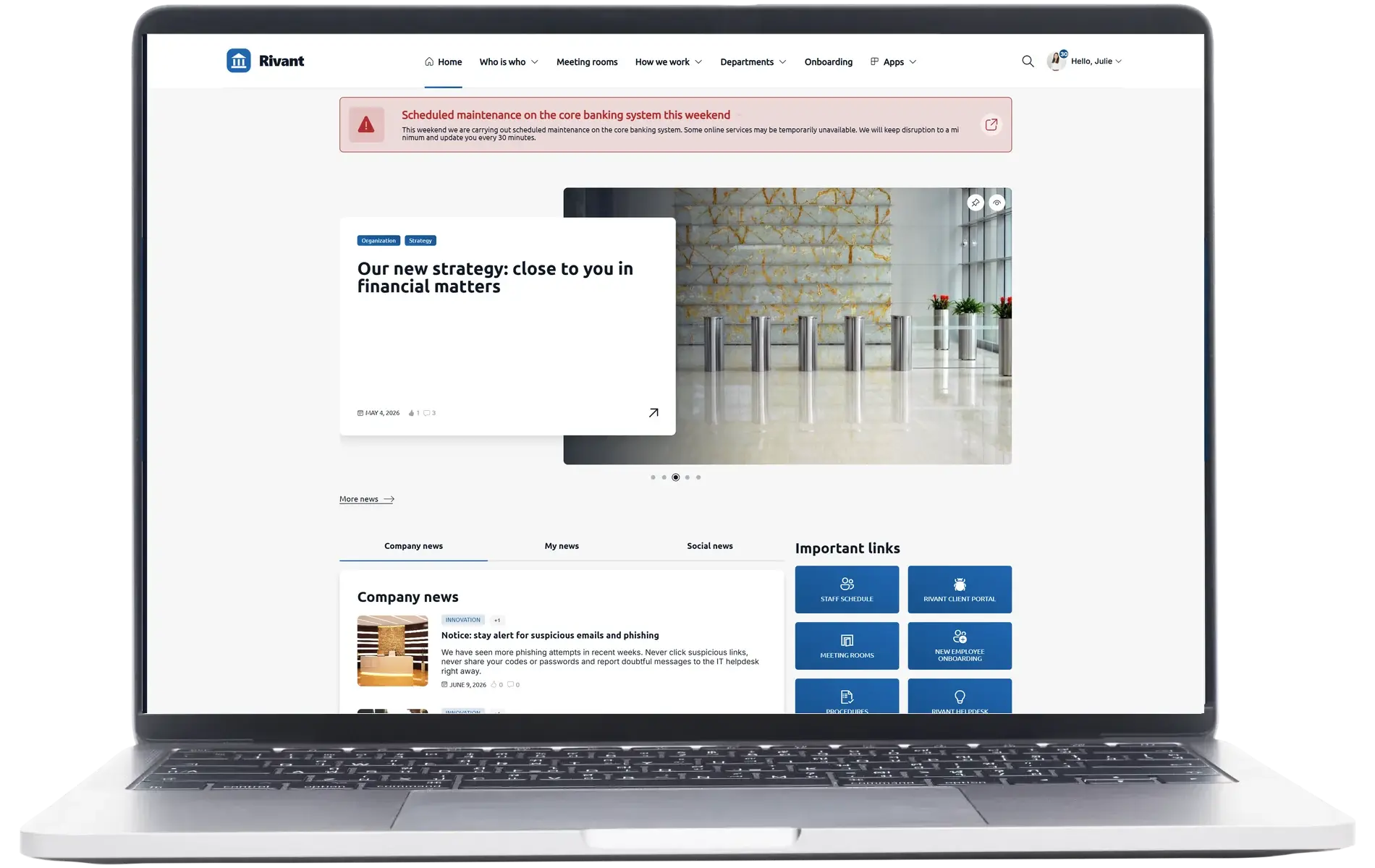
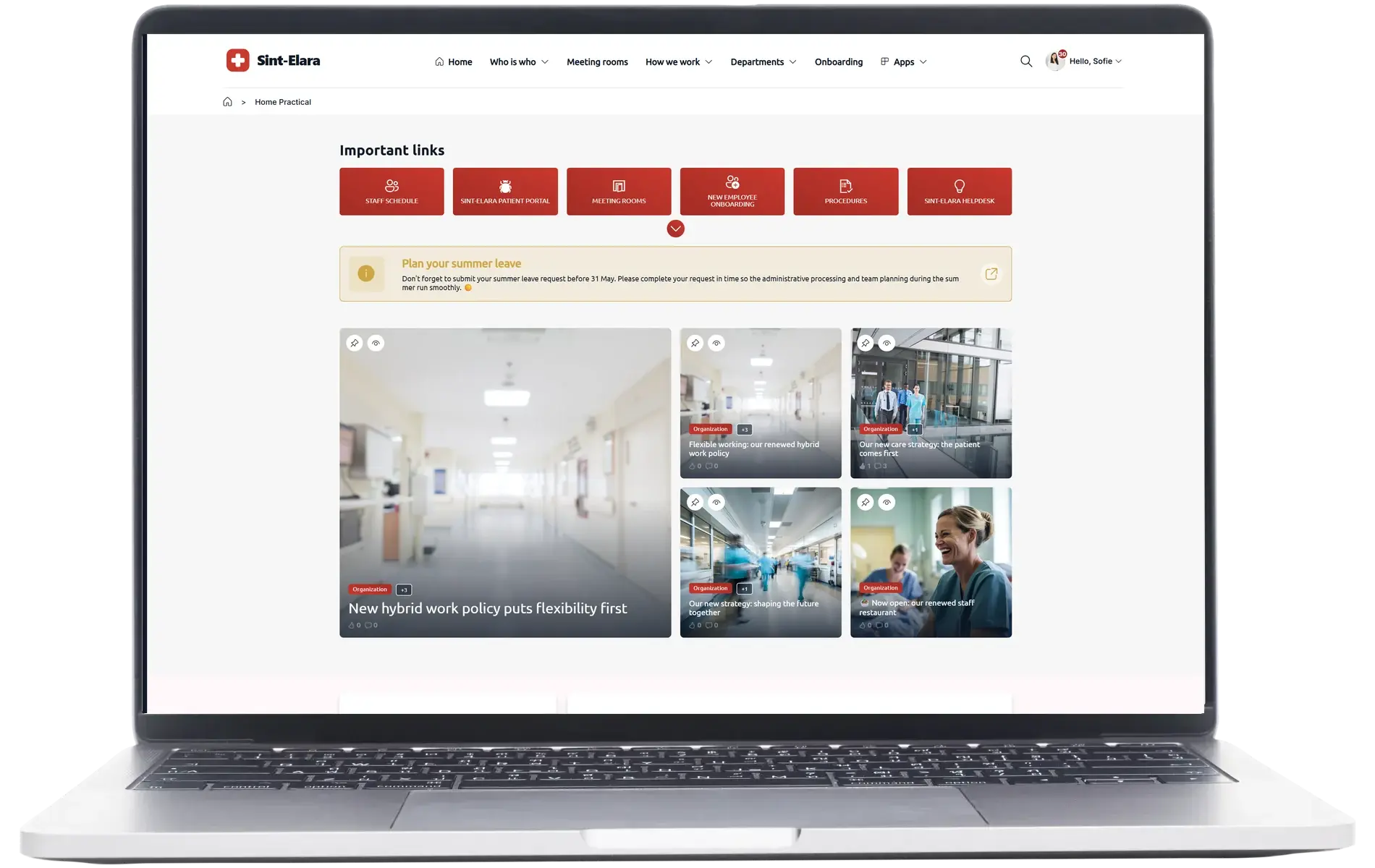
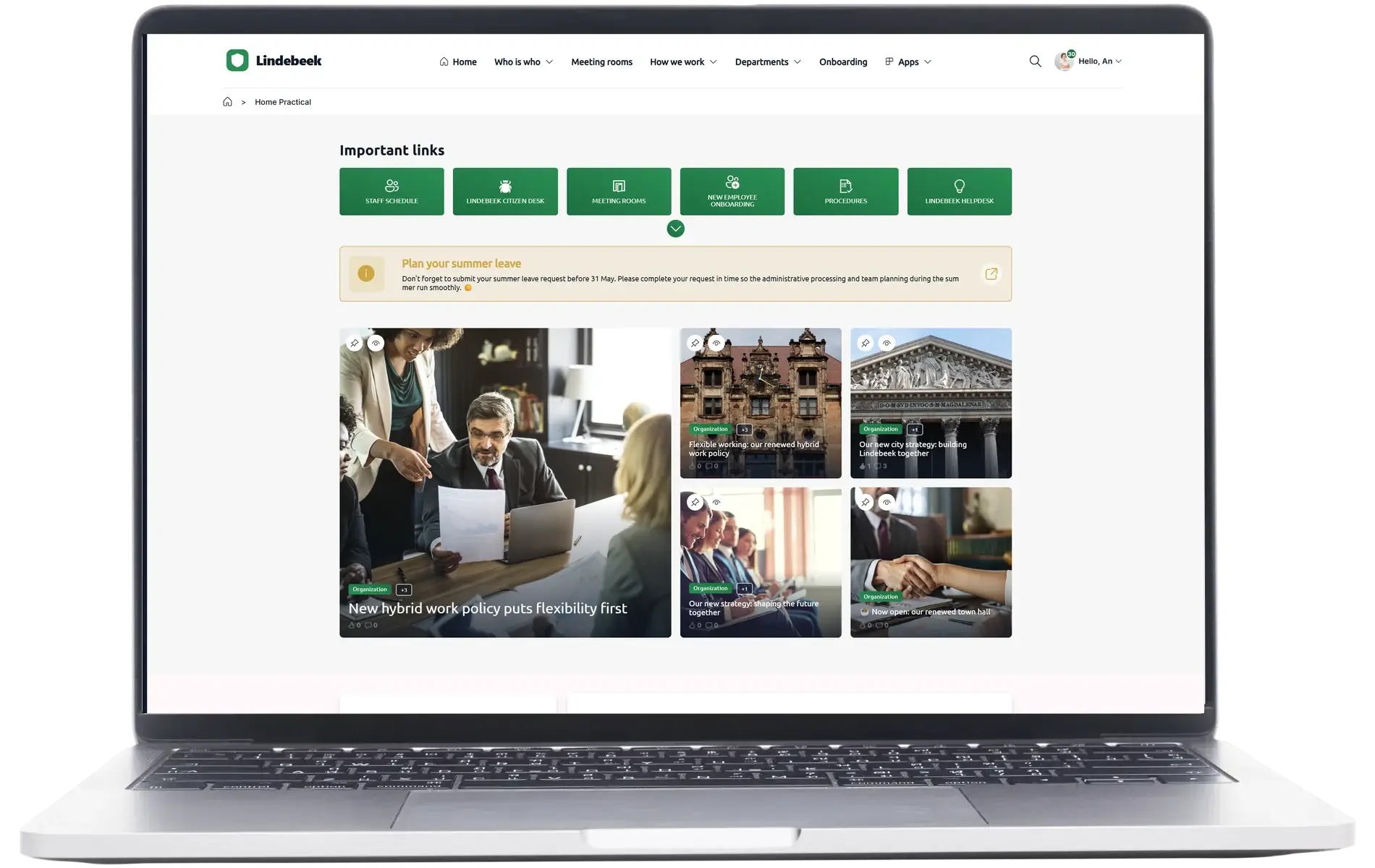
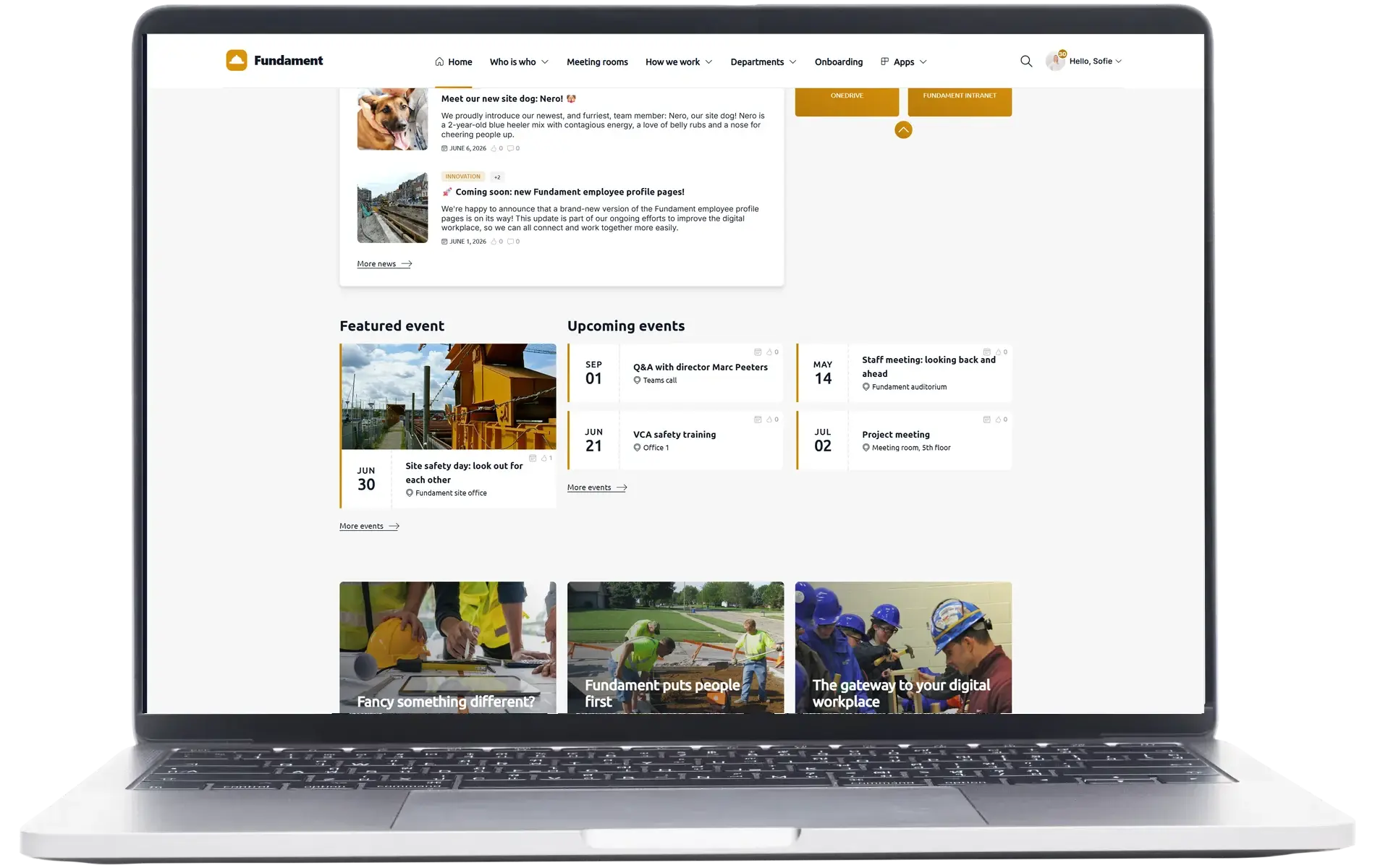
A fully personalised intranet
Your intranet carries your own brand, from the desktop in head office to the app in the service van. You choose which features take centre stage, so the homepage shows what matters most to your crews.
- Your logo and colours on desktop and in the app
- A homepage that matches your corporate identity
- The building blocks your teams need most, up front
Built on the Microsoft 365 you already run
Involv sits on top of the Microsoft 365 environment your organisation already runs. No migration and no data stored outside your tenant: your teams keep working in the tools they know, now reachable from one place.




All data stays in your own Microsoft 365 tenant, which matters for operators of critical infrastructure.
Real results in the energy sector
How the operator of the electricity and gas network in Brussels brought office staff and technicians onto one intranet.
Sibelga: one intranet for the office and the work site
Sibelga's previous intranet ran in Microsoft Teams and needed a lot of custom work. With Involv, the communication team now publishes news itself, and technicians on the road stay informed through their own mobile app, in Dutch and French.
More customer stories
Discover how 300+ organisations, from grid operators to hospitals, strengthened their internal communication with Involv.
View all stories →A working intranet in weeks,
not a year-long IT project.
An intranet project should not compete with keeping power, gas and water flowing. QuickStart gives you a fixed scope, a fixed price and a proven plan, so your communication team gets a working intranet without a long IT project.
What utilities ask us
What does an intranet do for a utility?
It gives everyone, from head office to the control room and the field crews, one official source for alerts, procedures, news and contacts. Through the mobile app it also reaches technicians on the road and on call, so nobody depends on email or WhatsApp groups for critical information.
How do we inform field crews quickly during a storm, leak or outage?
You send a push alert from the intranet to exactly the regions, teams or on-call crews involved. As a must-read message with read receipts, it shows you who has confirmed they read it. The same message can appear on desktop and on Involv Cast screens in depots.
Can technicians find procedures and customer answers on their smartphone?
Yes. In the app they search across Involv, SharePoint and OneDrive and always find the latest, approved version of a procedure. You can also publish the answers to frequent customer questions, so every technician gives the same answer at the door.
Do field technicians need a Microsoft 365 account?
Yes. Because Involv lives in your own Microsoft 365 environment, everyone logs in with their Microsoft 365 account, both on desktop and in the app. Your IT team keeps control over who has access.
How do we pass on knowledge to new technicians and contractors?
Guided onboarding tours per department or role walk new colleagues through what they need to know, including the safety rules for their work. Procedures sit in one place with version control, and the who-is-who helps them find the experienced colleague to ask.
How do we keep everyone informed about network projects and change?
Publish news per region, team or role, translate it automatically and show it on screens in depots and canteens with Involv Cast. For important changes, use must-read messages with read receipts, so you see who has confirmed they read it before people hear it elsewhere.
We already use SharePoint and Teams. What changes for us?
Nothing is replaced. Involv is built on SharePoint and adds an easy-to-use intranet layer and app on top of it. Your sites, document libraries and Teams keep working, and with the Involv app in Teams you open the intranet there too.
How long does it take, and what does it cost?
With QuickStart, most organisations have a working intranet within a matter of weeks, at a fixed price for a fixed scope. The licence cost depends on the number of users, the modules and the level of support you choose.
Keep every crew informed, in every weather
In a 30-minute demo we show you how Involv works for control room, depot and field crews alike. No obligation.