

The mobile intranet app that reaches every employee
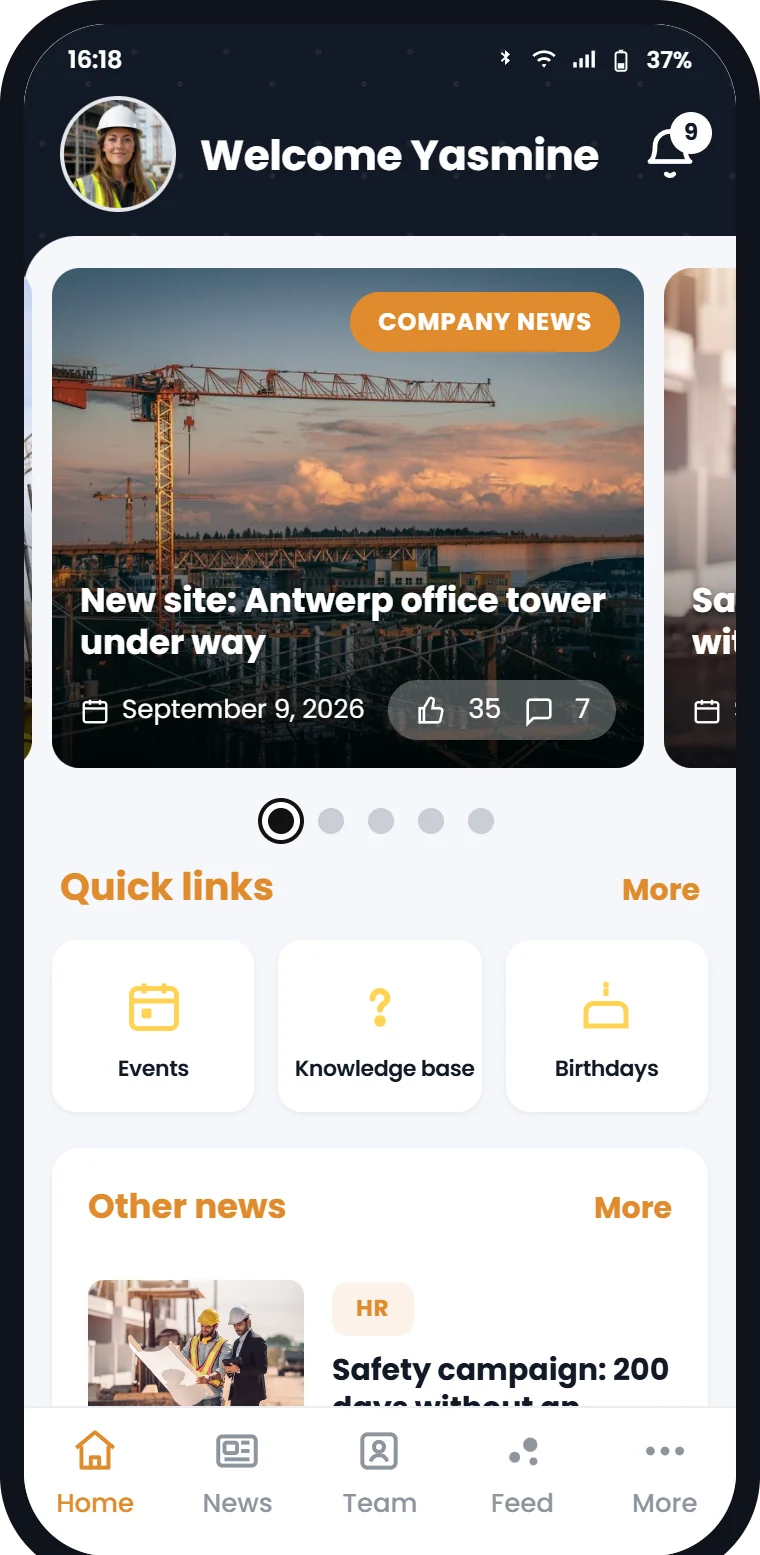
Your most important communication should reach everyone, including people without a fixed PC. The Involv intranet mobile app delivers news, procedures and mandatory messages straight to the smartphone with a push notification. News, events and FAQs open inside the app itself, in your own colours and within your Microsoft 365 tenant.
Trusted by 300+ organisations with teams in the office and out in the field









Why do you need a mobile intranet app?
A large part of your team doesn’t sit behind a desk. That is exactly the group missing the messages that matter most.
The situation today, without mobile reach
The frontline doesn’t know what’s going on
People on site or in the warehouse have no fixed PC to check the mailbox. News about policy or safety arrives too late. Or not at all.
You don’t know whether the message landed
A poster on the wall, an email nobody opens. Without read receipts you cannot show afterwards who actually saw your mandatory communication.
WhatsApp takes over
Where nothing is arranged, groups spring up outside your environment. Handy for whoever is in them, but those messages are nowhere to be found and fall outside your security and retention policy.
Signing in is a hurdle in itself
Installing an app and then logging in with the right account: that is where people drop out. Keep it difficult and the app stays unused.
The Involv mobile app is built to reach every employee, including those who never sit at a desk.
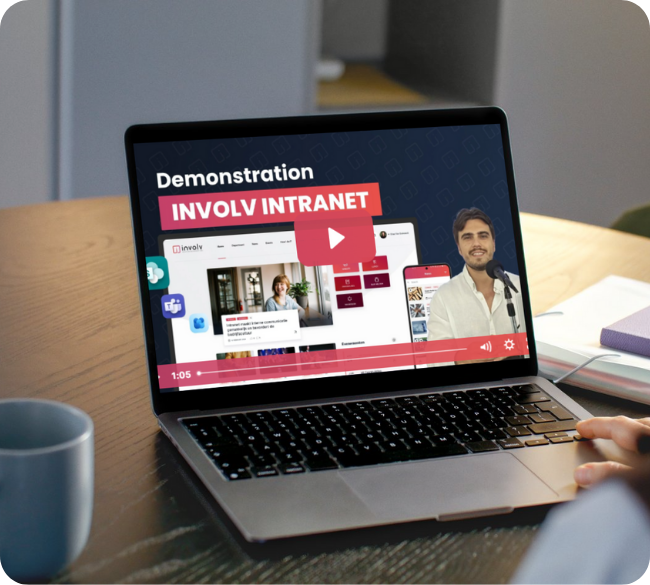
See the app the way your employees see it
A short tour of the Involv mobile app: reading news, opening a push notification, finding colleagues and tracking down documents.
Reach the people who never sit at a desk
From head office to the site: with the Involv mobile app your message lands with everyone. A targeted push notification arrives on the phone in their pocket, and the read receipt shows you in black and white who saw it.
- Push notifications for urgent and mandatory communication
- Targeted communication by role, department, location or language
- Read receipts for critical messages and policy documents
- Pin messages and follow up with reminders
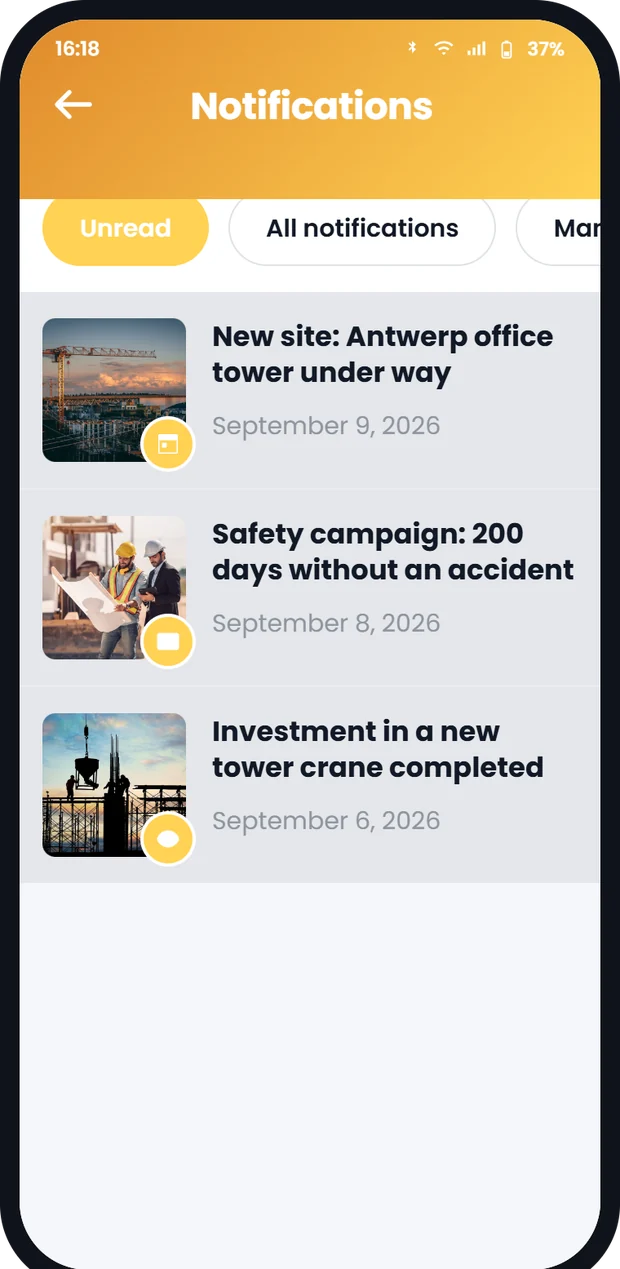
A proper native app experience
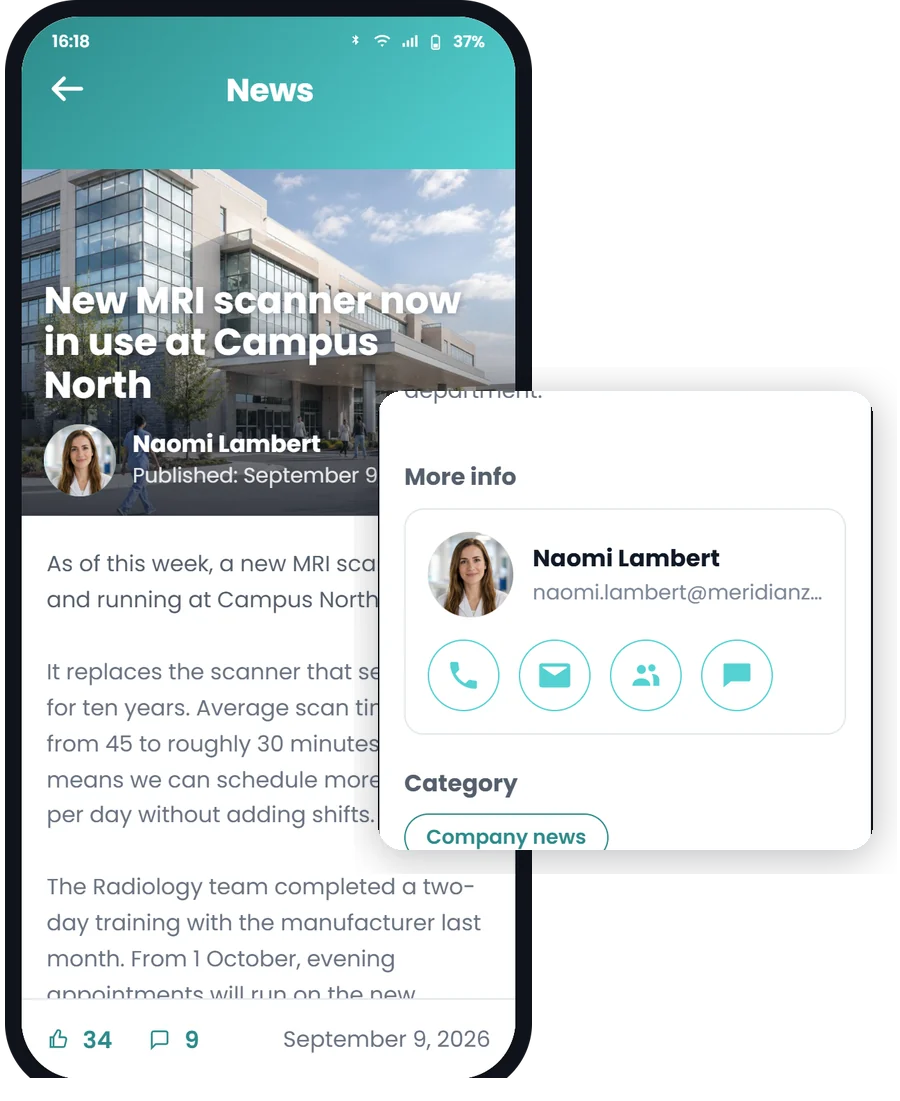
Your SharePoint pages are converted into app pages automatically. Whether an employee opens a news item, an FAQ or an event, they stay in the app, in the same smooth view. No browser springing open, no second sign-in. And anyone who does want the full web version opens it with a single tap.
- SharePoint pages become app pages automatically, you build nothing separately
- News, FAQs and events open as a full app screen
- Like, comment and call or email the author straight from the item
The app in your colours, inside your own Microsoft environment
The app carries your colours, and you decide what sits on the home screen and how the navigation looks. Choose the branded app and it appears in the stores under your own name and icon, with your logo on the loading and sign-in screen. Under the bonnet everything runs inside your own Microsoft 365 tenant: employees sign in with their existing Microsoft account, and there is no external data storage.
- Your colours and your own background image in the app
- Home screen and navigation set up by you
- With the branded app: your own app name and icon in the stores, your logo on the sign-in screen
- Sign in with Microsoft Entra ID, no duplicate accounts
- No external data storage: everything in your own M365 tenant
- Deployable via MDM, so employees don’t have to install anything themselves
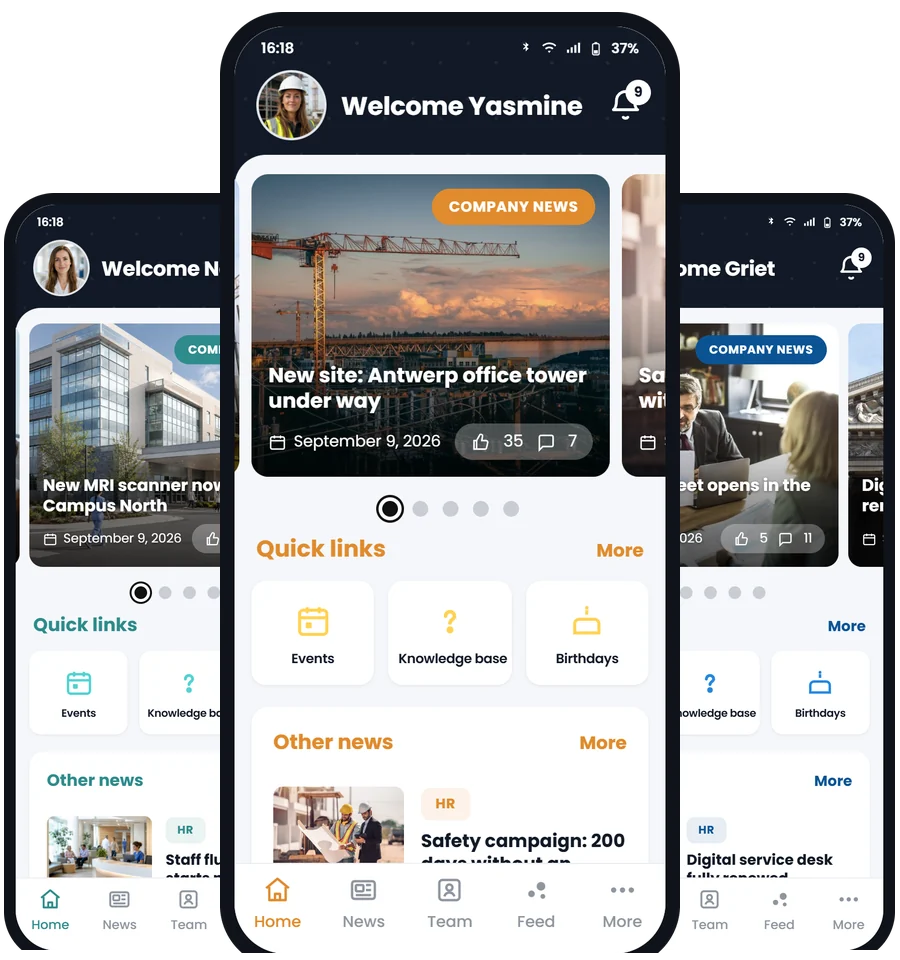
What can your team do with the app?
From push notifications to finding colleagues: the Involv mobile app bundles the features your team needs every day, in your own colours.
Push notifications
Send notifications straight to employees’ smartphones, immediately or scheduled. Targeted by role, department or location, so everyone only gets what is relevant.
Who’s who
Look up a colleague and call them straight away, or start a chat or a Teams call. The profile shows contact details and expertise.
News, calendar and documents
Follow news and events, check your Outlook mail and calendar, browse FAQs, take part in polls and find documents. News, events and the knowledge base open inside the app itself.
Management & insights
Put the app in your own colours and set up the home screen yourself. Figures on installs, sign-ins and the most-read content show you how adoption is going.
Everything about the mobile app in one brochure
The whole tour on paper, with screenshots of every tab. Handy to forward to IT or your management team.
- What the mobile app does for your employees
- Which features the app contains
- What the app looks like, with screenshots of every tab
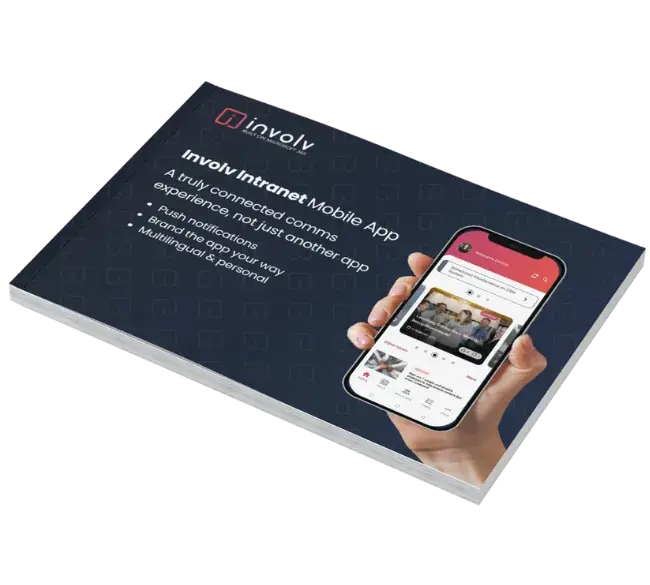
Get the brochure
Fill this in and the mobile app brochure lands in your inbox straight away.
Thank you! The mobile app brochure is on its way to your inbox.
Your whole team on the same page too
 ClearBox 2026:
Real results at organisations with teams out in the field
What organisations with dispersed teams achieved with Involv.
Plopsa: from posters on the wall to the pocket of every employee
The theme park group employs nearly 5,000 people across Belgium, the Netherlands and Germany, most of them working in the parks without a fixed computer. Today the mobile app is the main channel.
Jan De Nul: one intranet for teams all over the world
An international construction and dredging company with thousands of employees on projects worldwide, connected through one intranet on Microsoft 365.
More customer stories
Read how other organisations with dispersed teams tackled their internal communication.
See all stories →Answers to the questions organisations ask us about the mobile app
Is the mobile app available for iOS and Android?
Yes. The Involv mobile app is available for both iOS and Android. By default employees install the Involv app and it carries your own colours; choose the branded app and it appears in the stores under your own name and icon, with your logo on the sign-in screen. The app can also be deployed via MDM, so employees don't have to install or configure anything themselves.
Do news and FAQs open inside the app itself?
Yes. Your SharePoint pages are converted into app pages automatically, so news, FAQs and events open as a full app screen. Your employee stays in the app and does not have to sign in a second time. Anyone who does want the full web version opens it with a single tap in the browser. Parts that do not yet exist as an app page open in that web view.
How do employees sign in to the app?
Employees sign in with their existing Microsoft account via Microsoft Entra ID. There are no separate logins to remember. That keeps signing in simple and secure, and access follows your existing permissions and security policy.
Does our data stay secure within our own environment?
Yes. The mobile app runs inside your own Microsoft 365 tenant. There is no external data storage: all data stays in the data centre region of your own tenant, under your own security and retention policy. For a European tenant those are Microsoft data centres in the EU. That makes Involv GDPR-compliant by design.
Can we target push notifications at specific groups?
Yes. You can target communication and push notifications by role, department, location or language. That way employees only receive what is relevant to them, and read receipts make sure mandatory communication reaches everyone and is read.
Reach your employees without a PC too
See Involv in 30 minutes, set up for your situation, with no obligations.