

You send a newsletter to 2,000 employees. Two weeks later you check the numbers: 40% opened it. Thirteen people clicked through. Zero responses.
Sound familiar? According to the ContactMonkey Internal Email Benchmark Report 2025, on average only 40% of internal emails are read. At the same time, employees are dealing with an overflowing inbox every day. Your newsletter isn’t just competing with other internal updates – it’s competing with everything that lands there.
Yet the internal newsletter remains the most powerful channel for internal communication: research by Ragan shows that 78% of organizations consider it their most important communication tool. The question isn’t whether you should send an employee newsletter, but how to make sure it doesn’t disappear into the digital noise.
Why the internal newsletter does work – when done right
The numbers don’t lie: organizations with strong internal communication perform measurably better. The internal newsletter is a crucial link in that chain. Organizations that communicate regularly – for example weekly – typically see higher engagement than teams that send updates only sporadically. At the same time, personalized and relevant subject lines play a crucial role in increasing open rates.
So it’s not about whether the newsletter is still relevant – it’s about whether you’re using it smartly enough. Combined with other channels, such as your SharePoint intranet or Microsoft Teams, a well-structured newsletter strengthens the sense of connection within your organization.
Eight proven tips to improve your internal newsletter
1. Send at the right time and maintain a consistent rhythm
Timing determines whether your newsletter gets read or ignored. Benchmark data from Workshop shows that Wednesday morning at 9 AM is the ideal send time: early enough to be read before the daily rush, late enough not to get lost in the morning email storm.
Sending weekly delivers measurably more engagement than monthly – but only if you have something valuable to share every week. A good rhythm for most organizations: a short weekly update (5 minutes read time) and a more comprehensive monthly edition with in-depth articles.
2. Personalize based on department, location and role
One newsletter for everyone is a recipe for low engagement. Segmentation makes the difference: emails sent to smaller, targeted audiences demonstrably outperform communications sent to the entire organization.
Tailor your content to the recipient. A production worker on the shop floor has different needs than a marketer at headquarters. The more relevant the content, the higher the employee engagement.
3. Write subject lines that spark curiosity
Your subject line is the difference between opened and ignored. Personalized and relevant subject lines demonstrably increase the likelihood that employees will open your email.
Examples:
- Weak: “Newsletter March 2026”
- Strong: “3 changes to your leave balance you need to know about this month”
- Strong: “The Sales team broke a record – here’s how they did it”
4. Put the most important content at the top
Most readers scan rather than read. With an average read rate of just 40%, you can’t assume anyone will scroll to the bottom. Always place the most current and relevant news at the top of your newsletter.
Use a clear structure: short paragraphs, bullet points, clear subheadings and bold keywords. This helps readers quickly find the most important information – even on a mobile screen.
5. Mix your content: the 80/20 rule
The golden ratio for internal newsletters: 80% educational and informational, 20% entertainment and culture. Think employee achievements, team photos or a “did you know?” section about colleagues.
Content that puts employees at the center – such as team updates and stories – increases engagement, because it’s more relevant and relatable for the reader.
Combine business updates with lighter content: event announcements, tips that improve the working day, an interview with a colleague or the results of the company quiz.
6. Use visual elements to make complex information clear
A wall of text puts people off. Integrate images, infographics and videos to make the content more visually appealing. Stick to your organization’s house style: consistently use your logo, brand colors and fonts. This reinforces brand identity and creates immediate recognition.
A practical rule of thumb: add a visual element every 200–300 words. That could be a photo, an icon, a quote block or a short infographic.
7. Add one clear call-to-action per section
Every section in your newsletter should invite the reader to take action: sign up for an event, participate in a survey, welcome a new colleague or visit a specific intranet page. But limit yourself to one CTA per section – too many choices lead to no choice at all.
Use clear, active language: “Sign up” works better than “Click here for more information.”
8. Measure what works and adjust based on data
A newsletter without analytics is communicating in the dark. Yet this is the step most internal communicators skip. A shame, because the numbers tell you exactly what your readers do and don’t find interesting.
The four metrics that really matter:
- Open rate: lower than expected? Then the problem lies with your subject line or send time – not with the content.
- Click-through rate (CTR): measures how many people click on links or CTAs. This tells you whether your content is relevant enough to drive action.
- Read time: are articles actually being read, or just opened? Short read times indicate content that isn’t resonating or a structure that doesn’t invite reading.
- Drop-off per section: where do readers disengage? If the bottom half of your newsletter is consistently unread, it’s simply too long.
Analyze these figures per edition and per audience. A high open rate among office workers and a low one among non-desk workers isn’t one result – it’s two different problems that each require a different approach.
Ask yourself three questions after every edition: Which article got the most clicks? Which section was read the least? What will I do differently next week? Anyone who does this consistently will build a newsletter with its own improvement loop within a few months.
Common mistakes with internal newsletters
Even with the best intentions, internal newsletters often go wrong. These are the most common pitfalls:
- Too much information in one email. If your newsletter requires more than 5 minutes of reading time, most readers will drop off. According to research, the average employee spends up to 88% of their working week on communication – another long email is the last thing they need.
- No segmentation. An identical newsletter for all 5,000 employees is like a megaphone in a football stadium: everyone hears it, nobody listens. Segment by department, location or role.
- No fixed frequency. Inconsistency kills expectation. If employees don’t know when the newsletter is coming, they never build a reading habit.
- Only broadcasting, never listening. The best internal newsletters are not one-way traffic. Regularly ask for feedback via a short survey or a simple poll. Which sections are appreciated? What are your readers missing?
Involv Newsletter: your intranet content directly as a newsletter
Most organizations using SharePoint run into the same wall: SharePoint has no built-in newsletter tool that is easy enough for non-technical communications staff. The result? Extra licenses for other external tools – while all your content is already in your intranet.
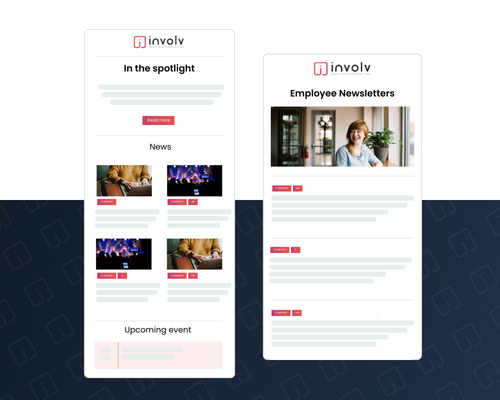
The Involv intranet Newsletter solves this. You convert intranet content directly into a professional newsletter – without external tools, without extra costs and entirely within your Microsoft 365 environment.
What the Involv intranet Newsletter can do:
- Reuse content from your intranet. News, FAQs, incidents, events, vacancies and SharePoint pages: everything already on your intranet can be converted into an employee newsletter with a few clicks. No more duplicate work.
- Fully on-brand. Use your own templates, colors and fonts. Every edition looks professional and instantly recognizable – consistent with your brand identity.
- Intuitive drag-and-drop builder. No designer or developer needed. The newsletter builder is designed for communications professionals who want to create a great-looking newsletter fast.
- Send from any email address. Choose which address the newsletter is sent from – whether that’s a personal address or a department address.
- Built-in scheduling and analytics. Plan your newsletters in advance with the built-in calendar and track open rates and click behavior to improve every edition.
- Seamless integration. The Involv Newsletter works within your existing SharePoint intranet. No extra logins, no data silos, no hassle with external platforms.
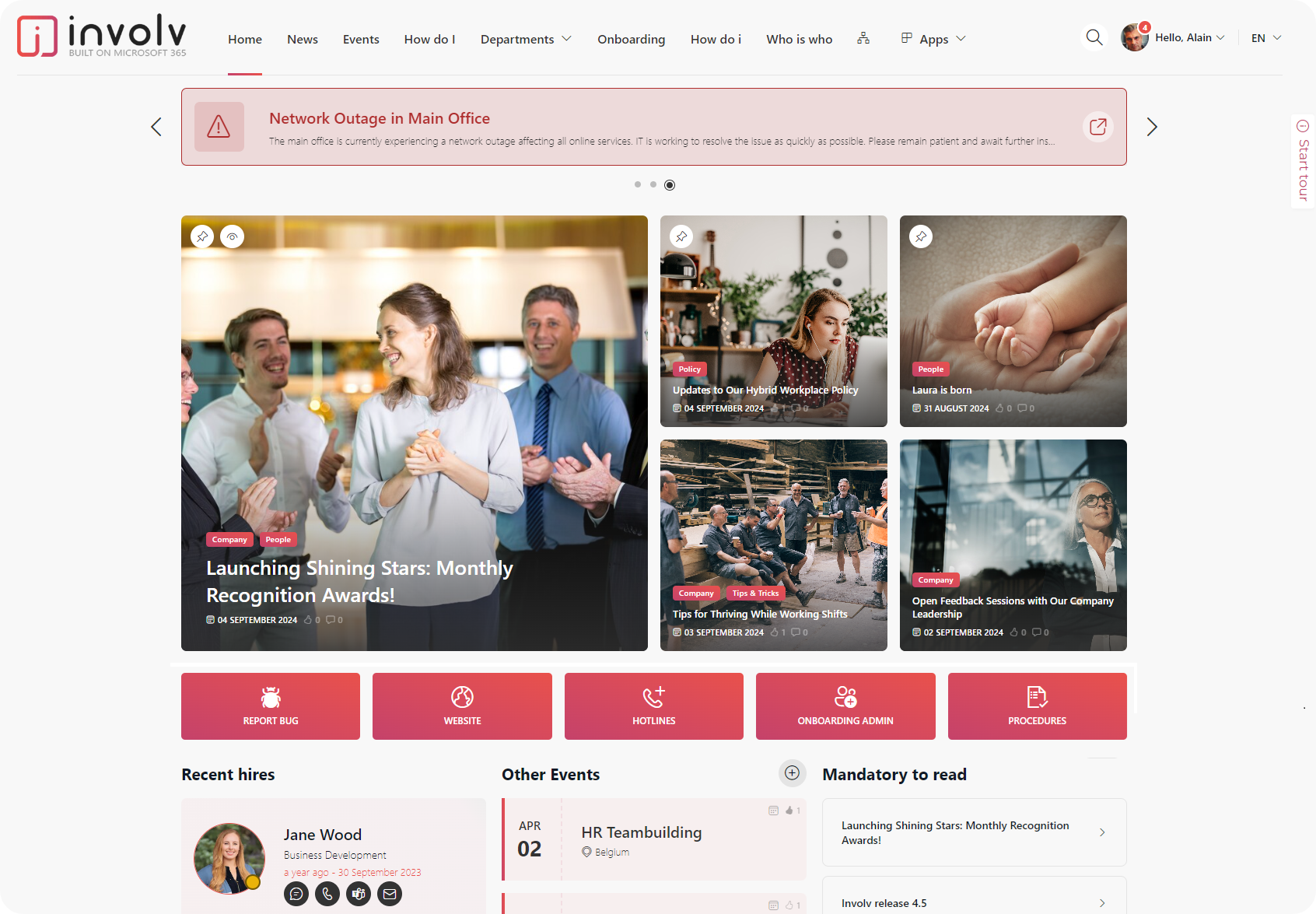
Involv Newsletter: your intranet content directly as a newsletter
A good internal newsletter is not a nice-to-have – it’s a strategic communication tool that directly contributes to employee engagement, productivity and company culture. With the right timing, relevant content, smart segmentation and measurable analytics, you turn every edition into a newsletter employees actually want to read.
The key? Don’t treat your newsletter as a box to tick, but as the most important touchpoint with your employees. Because that’s what it is: 78% of organizations call it their #1 communication channel. Make sure it deserves that title.
Ready to take your internal newsletter to the next level?
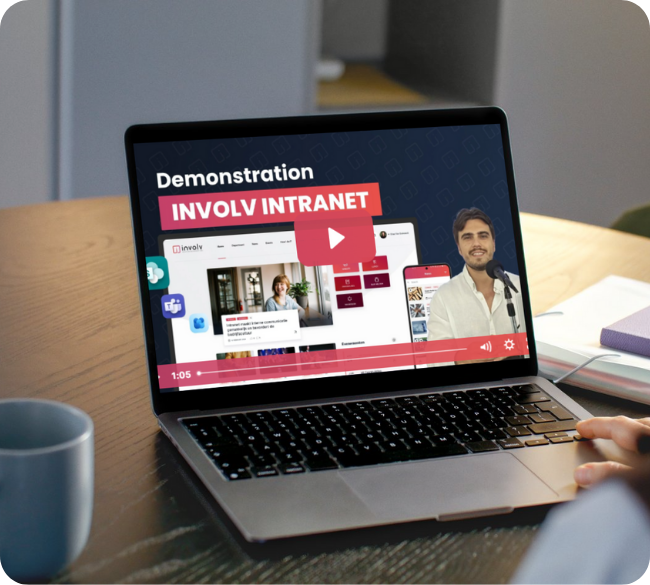
Discover how the Involv Newsletter transforms your intranet content into professional newsletters – without external tools, within your Microsoft 365 environment.